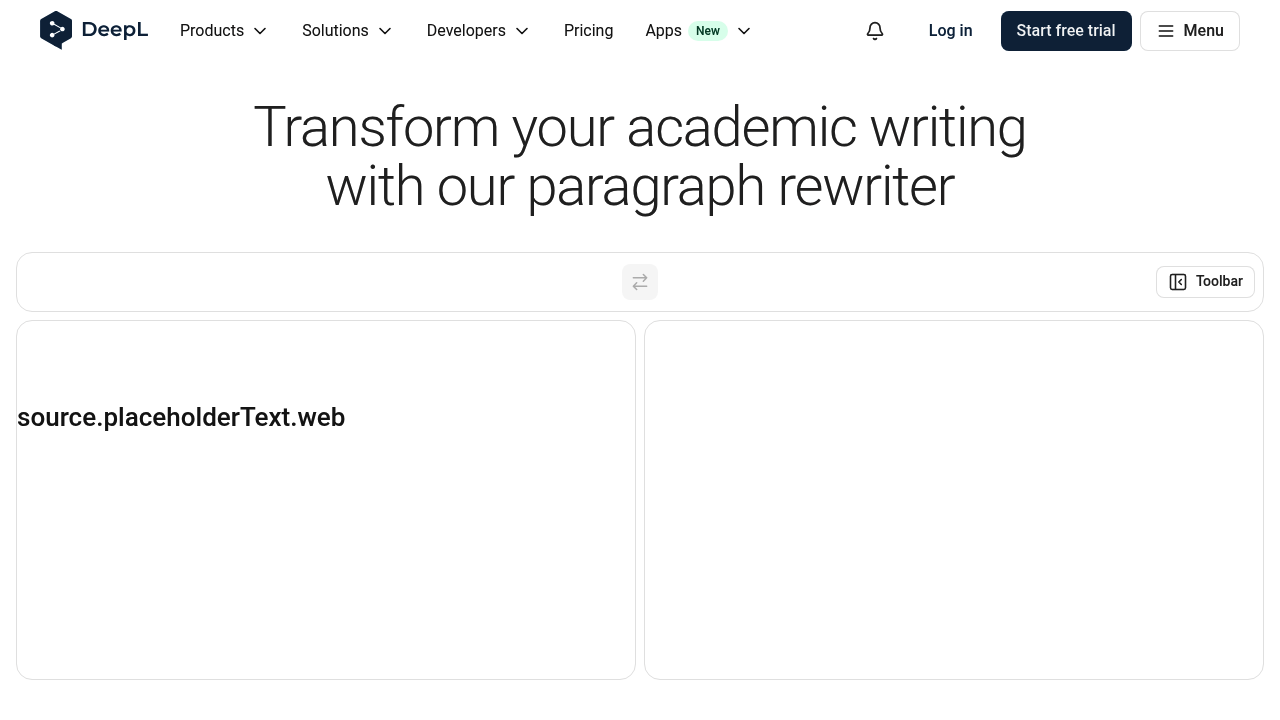
DeepL Write Academic Paraphraser: AI Paraphrasing Tool Review for students, researchers, and non-native English writers polishing essays or papers (2026)
DeepL Write Academic Paraphraser is a browser-based AI paraphrasing tool by DeepL built for academic and research paraphrasing with a formal writing style and language-polish workflow. The clearest buyer signal in this run is Up to 2,000 characters at a time for free users, with freemium subscription access and a workflow aimed at students, researchers, and non-native English writers polishing essays or papers. It is strongest for people who want fast rewriting with visible mode choices or a simple academic/business polish workflow, and weaker for buyers who need enterprise-grade originality controls, deep API automation, or fully transparent long-form limits before signup.
If your main question is whether this tool is practical for everyday paraphrasing, the answer is yes, but with caveats. Its value comes from the combination of Academic style is pre-selected, and users can change styles in DeepL Write, access via Web app with desktop, mobile, browser-extension, and Microsoft add-in availability, and a clear positioning around rewriting rather than broad content generation. At the same time, several important limits remain on the public record: The free tier is capped at 2,000 characters, which is tight for long papers or literature-review sections.
DeepL Write Academic Paraphraser: Key Specs at a Glance
| Feature | DeepL Write Academic Paraphraser |
|---|
| Primary use case | academic and research paraphrasing with a formal writing style and language-polish workflow |
| Best for | students, researchers, and non-native English writers polishing essays or papers |
| Access type | Web app with desktop, mobile, browser-extension, and Microsoft add-in availability |
| Rewriting modes | Academic style is pre-selected, and users can change styles in DeepL Write |
| Tone options | Academic plus other DeepL Write styles |
| Supported languages | Not fully enumerated on the reviewed academic page |
| Free tier limit | Up to 2,000 characters at a time for free users |
| No signup required | Yes for free use of DeepL Write |
| Watermark on free | No watermark publicly documented |
| Daily free limit | Not publicly documented |
| Browser extension | Yes — Chrome, Edge, and Firefox extensions are officially documented |
| Mobile app | Yes — official mobile apps are documented |
| API availability | Not publicly documented for the paraphrasing workflow |
| Plagiarism check | No built-in plagiarism checker on the reviewed page; citation guidance is emphasized instead |
| AI detector bypass | Not claimed |
| Pricing model | Freemium subscription |
| Paid plans | DeepL Write Pro removes the character cap and adds stronger privacy/security; bundle options with Translator are also available |
What DeepL Write Academic Paraphraser Does Well
More transparent than average on workflow fit
DeepL Write is one of the few paraphrasers that openly targets academic refinement rather than hiding behind vague marketing copy. That matters in this category because too many paraphrasers advertise vague “AI rewriting” without saying how much text you can actually process or which writing style you are getting.
Useful mode or platform range for practical rewrites
The official page documents real platform breadth: web, desktop, mobile, browser extensions, Google Workspace use, and a Word add-in. In practice, that makes the tool more useful for switching between academic, professional, concise, or simplified phrasing without jumping into a broader all-purpose writing suite.
Fast fit for one-off editing and repurposing
Changes are surfaced as editable suggestions rather than a single blind rewrite, which is better for meaning control on research text. That is a good fit for users who mostly need to clean up emails, essays, social posts, or small content blocks rather than run a large editorial pipeline.
Known Limitations
- The free tier is capped at 2,000 characters, which is tight for long papers or literature-review sections.
- The academic page does not clearly document all supported languages or the full style catalog.
- There is no built-in plagiarism detector on the reviewed page, so users still need citation discipline and separate originality checks.
- DeepL Write is more of a precision rewriter than a high-variance idea generator, so creative marketing copy users may find it conservative.
Who Should Use DeepL Write Academic Paraphraser
DeepL Write Academic Paraphraser is best suited to students, researchers, and non-native English writers polishing essays or papers. If your workflow involves quick rewriting of short or medium-length text, experimenting with tone, or cleaning up awkward phrasing without opening a heavy editor, it makes sense. If your workflow depends on verified originality reporting, programmatic automation, or long-form bulk paraphrasing, this is a weaker fit.
Free Plan vs Paid Value
The core tradeoff is simple: Free use up to 2,000 characters at a time. DeepL Write Pro removes the character cap and adds stronger privacy/security; bundle options with Translator are also available. For buyers who only paraphrase short chunks a few times a day, the free path may be enough. For heavier use, the upgrade decision comes down to whether the extra limit headroom is worth paying for versus choosing a competitor with stronger academic tooling or integrations.
A practical lens for comparison is “cost per usable rewrite session.” Tools with modest free caps but clear modes can still outperform “unlimited” rewriters if the output needs less manual cleanup. On the other hand, if you regularly rewrite long drafts, a small cap or missing long-form transparency becomes a real productivity cost.
When Not to Choose DeepL Write Academic Paraphraser
Do not choose DeepL Write Academic Paraphraser if you need aggressive rewriting for long drafts on the free tier or a detector-bypass-oriented humanizer.
Community and Comparison Signals
External discussion around this tool was light but usable in this run. The following sources were reachable and are the best public comparison anchors we found:
FAQ
Can you use DeepL Write for free?
Yes. Free users can work with up to 2,000 characters at a time.
Does DeepL Write support academic paraphrasing?
Yes. The academic paraphraser page pre-selects an academic style and is built for essays and papers.
Where can you use DeepL Write?
Officially on web, desktop and mobile apps, Chrome/Edge/Firefox extensions, and within Word.