

Better Synonyms
Enhance your writing by finding alternative words and phrases to improve clarity and creativity.
Free
Duplichecker is a comprehensive writing suite offering free AI paraphrasing, professional plagiarism detection, and multi-format file support.
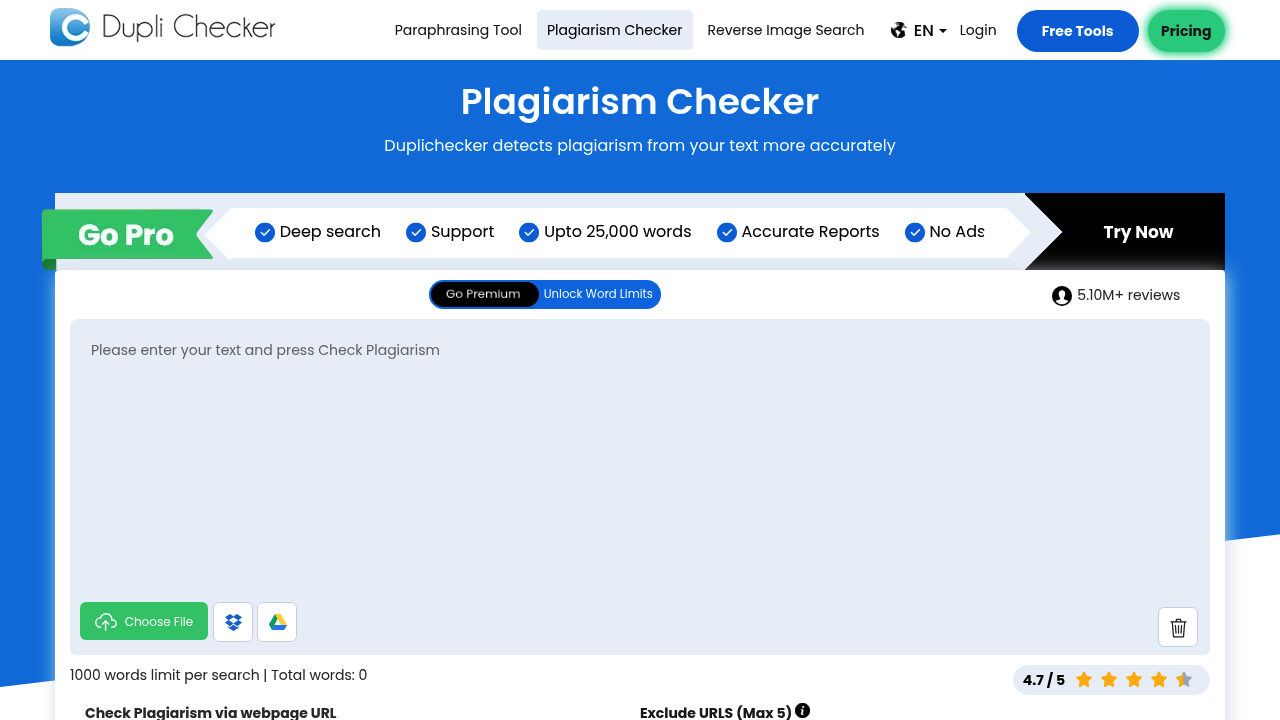
Duplichecker is a versatile and highly accessible suite of writing tools that has become a go-to resource for millions of users worldwide. While widely known for its plagiarism detection, its AI-powered paraphrasing tool has grown significantly in capability, offering a free and easy way to rephrase content.
The tool is a favorite among students, small business owners, and freelance writers who need a reliable "Swiss Army knife" for their content. It provides a simple way to ensure that content is both original and well-written without the need for expensive software suites.
Duplichecker's main appeal is its comprehensive nature. Within the same window, a user can paraphrase a sentence, check it for plagiarism, and then run a grammar check. This integrated workflow makes it incredibly efficient for those working on tight deadlines.
Prices subject to change. Check official pricing.
Duplichecker is designed for immediate use. You can simply land on the homepage and start using the paraphrasing tool. No registration is required for the basic features, although creating a free account allows you to track your history and manage longer documents more effectively.
The interface is user-centric, featuring large, clearly labeled boxes for input and output. It also includes helpful buttons for uploading files directly (like .docx or .pdf), which saves time for users who don't want to copy and paste large sections of text.
One-Click Workflow: After paraphrasing your text, Duplichecker provides a direct link to check that new content for plagiarism. This is a critical step for writers who want to be absolutely sure their rephrased content is unique enough to pass academic or editorial scrutiny.
Grammar and Spell Check: The platform includes a built-in grammar checker that highlights errors in real-time. This ensures that the newly paraphrased sentences are not only original but also grammatically correct and easy to read.
File Upload Support: Duplichecker allows users to upload various file formats directly into the tool. This is particularly useful for students who have completed an entire essay and want to run it through the paraphraser and plagiarism checker in one go.
To start, paste your content into the input field or click the "Upload File" button to bring in a document from your computer. Once the text is loaded, you can select the "Paraphrase" option from the main menu or use the dedicated tool page.
Click the "Paraphrase Now" button and solve the simple captcha if prompted. The tool will process your text and present the rewritten version. You can then review the changes; Duplichecker often highlights modified words, making it easy to see what has been transformed.
Finally, once you are happy with the phrasing, use the "Check Plagiarism" button located right below the output. This will verify the uniqueness of your new content, giving you the confidence to use it in your final submission or publication.
When using the free version, try to break longer documents into smaller sections. This ensures that the AI can focus more effectively on the context of each paragraph, leading to more accurate and coherent rephrasing results.
Take advantage of the "Check Grammar" feature after every paraphrase. AI rewriters can sometimes create technically correct but stylistically "stiff" sentences; a quick grammar check can help identify these and suggest more natural-sounding alternatives.
Duplichecker is often discussed on academic subreddits like r/AskAcademia and r/UoPeople. While users appreciate its "all-in-one" utility, they often remind each other to use it as a starting point for their own editing rather than a final product.
Have you used Duplichecker? Share your experience with the community to help others decide if it's the right fit for their academic journey.
Duplichecker is the ultimate "free-to-use" writing companion. Its strength lies in its convenience and the fact that it combines the three most important post-writing tasks—paraphrasing, plagiarism checking, and grammar correction—into a single, easy-to-use platform.
Enhance your writing by finding alternative words and phrases to improve clarity and creativity.

Generate high-quality, engaging content tailored to your needs, including articles, blog posts, and social media updates, all optimized for your target audience.

Transform your text into a polished and refined version, enhancing clarity and style while maintaining the original meaning.