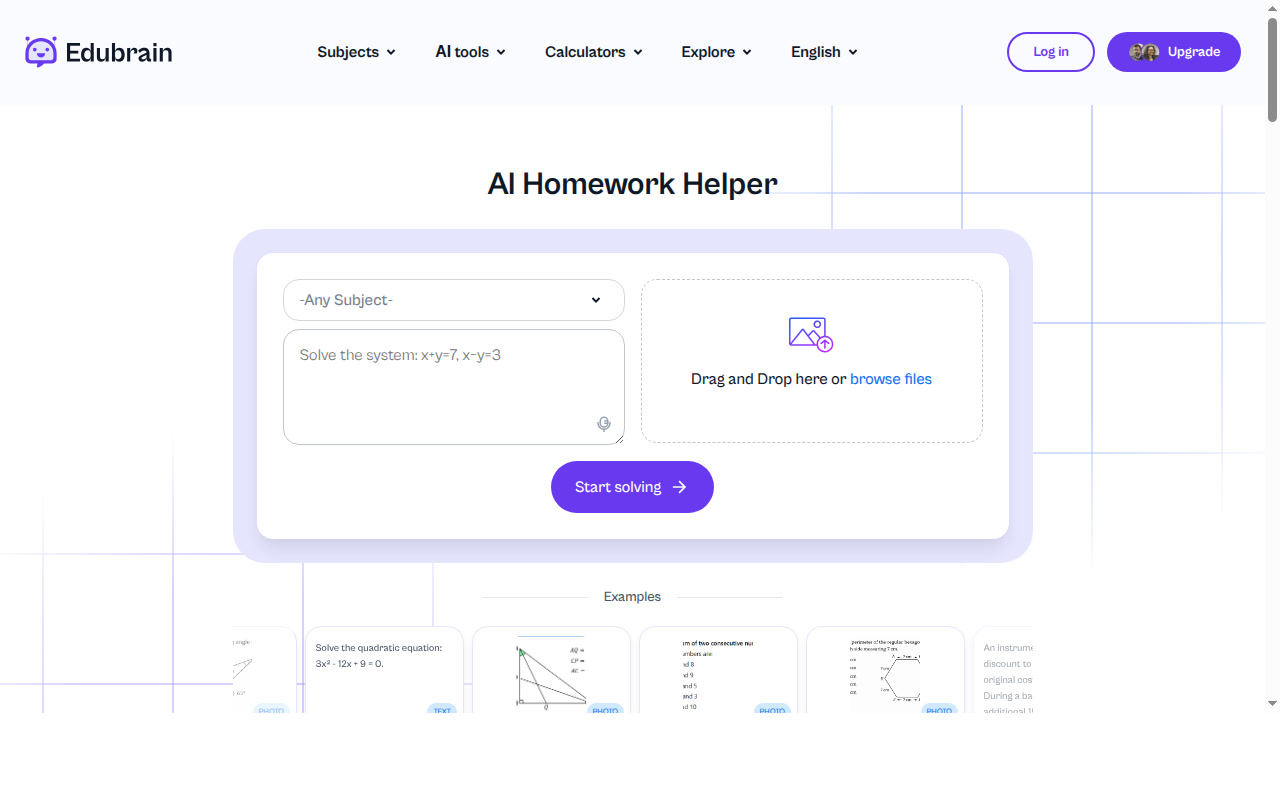
EduBrain: AI Paraphrasing Tool for Students and Academic Writers (2026)
EduBrain is an AI-powered academic toolkit developed by the EduBrain team that includes a dedicated paraphrasing tool alongside homework help, plagiarism checking, and flashcard generation — all accessible on a free tier with no sign-up required. With 140,000+ active monthly students and a free plan that covers unlimited AI tool access with ads, EduBrain targets learners who need quick, trustworthy rewrites without creating an account. It is not the right choice for professional content marketers seeking advanced rewriting modes or API access.
EduBrain: Key Specs at a Glance
| Feature | Details |
|---|
| Primary use case | Academic paraphrasing, homework help, study tools |
| Best for | Students, ESL learners, academic writers |
| Access type | Web (no app download required) |
| Rewriting modes | Standard, Academic, Fluency (not publicly documented as separate named modes) |
| Tone options | Academic tone available via mode selection |
| Supported languages | Multilingual support (specific count not publicly documented) |
| Free tier limit | Unlimited use with ads; no stated character cap on free tier |
| No signup required | Yes — full free access without registration |
| Watermark on free | No watermark |
| Browser extension | Not publicly documented |
| Mobile app | Not publicly documented |
| API availability | Not publicly documented |
| Plagiarism check | Yes — dedicated plagiarism checker included |
| AI detector bypass | No explicit bypass mode; AI humanizer available as separate tool |
| Pricing model | Freemium (free with ads + AI-Plus at $3.99/week) |
| Paid plans | AI-Plus: $3.99/week — removes ads, unlocks advanced reasoning |
What EduBrain Does Well
No-Signup Access to Full Tool Suite
EduBrain stands out in the crowded paraphrasing space by offering zero-friction access: no email, no account, no credit card. Students can paste text and get a paraphrase immediately. This is a measurable advantage for learners who need a quick rewrite during exam prep or last-minute editing without creating yet another account. The free plan covers all core AI tools, not just paraphrasing.
Academic Integrity Focus
Unlike generic text spinners, EduBrain frames its paraphraser explicitly around academic use: preserving original meaning, flagging semantic drift, and reminding users to retain citations. The tool pairs naturally with the built-in plagiarism checker, which uses structural similarity analysis beyond simple phrase matching — a meaningful difference for students submitting work to plagiarism-sensitive platforms.
Multi-Format Input
EduBrain's paraphrasing tool accepts plain text input with paste-and-go simplicity. The broader EduBrain platform (homework helper) supports PDF, images (JPEG, PNG), .doc, .txt, and audio files up to 25 MB — reducing friction for users who work from uploaded course materials rather than manually typed text.
Integrated Study Ecosystem
The paraphraser is one component of a larger toolkit that includes an AI homework helper, flashcard maker, lecture-to-notes converter, AI detector, and AI humanizer. Trusted by 140,000+ students per month as of early 2026 (per EduBrain's own published data), the ecosystem approach means learners can paraphrase, check plagiarism, and generate study materials in a single interface without switching tools.
Ad-Free Option at Low Cost
The AI-Plus plan at $3.99/week removes ads and unlocks advanced reasoning. This is a transparent, low-commitment upsell without metered credits, word limits, or mode restrictions — a simpler pricing model than competitors like ParaphraseTool.com which gate specific modes behind subscriptions.
Known Limitations
- Output quality ceiling: EduBrain's paraphraser targets academic simplification — it is not designed for creative rewriting, marketing copy, or complex professional tone shifts. Users needing 20+ rewriting modes (like ParaphraseTool.com offers) will find EduBrain limited.
- Free tier has ads: The free plan includes ads throughout the interface, which some users find disruptive during focused study sessions. The ad-free experience requires upgrading to AI-Plus ($3.99/week).
- AI detection risk: EduBrain does not claim its paraphraser bypasses AI detectors. While an AI humanizer is available as a separate tool, the paraphraser output may still be flagged by detection tools like GPTZero or Turnitin's AI module.
- Limited mode transparency: The exact number and names of paraphrasing modes are not clearly documented on the public website — making it harder to compare feature-for-feature against tools like WriterBuddy (Standard, Creative, Fluency, Shorten) or ParaphraseTool.com (20 named modes).
- No browser extension or mobile app: Unlike competitors, EduBrain currently offers no browser extension for inline rewriting and no dedicated mobile app — limiting its usefulness for on-the-go students.
Best For: Who Should Use EduBrain
- Students who want zero friction: No account needed, unlimited free use — ideal for students who encounter a paraphrasing need mid-assignment and need a fast solution.
- ESL and international learners: Multilingual support and curriculum-based outputs make EduBrain accessible to students writing in their second language.
- Academic writers at risk of plagiarism: The combination of paraphrasing + built-in plagiarism checker creates a tight loop for checking and revising academic text before submission.
- Budget-conscious users who want more than just a paraphraser: At $0 (with ads), EduBrain offers homework help, flashcards, notes generator, and AI detector — more utility per dollar than single-purpose tools.
Who Should Look Elsewhere
- Marketing and content professionals who need advanced tone modes (persuasive, formal, casual, SEO-optimized): EduBrain's academic focus doesn't serve professional writing use cases well.
- Users requiring API access for programmatic paraphrasing at scale: EduBrain does not document any public API.
- Heavy users needing 20+ rewriting modes: ParaphraseTool.com with 20 modes or WriterBuddy with 4+ modes are better-suited for advanced use cases.
Output Quality Analysis
EduBrain's paraphrasing output is designed for academic clarity — it prioritizes preserving meaning and improving grammatical correctness rather than wholesale vocabulary substitution. The tool includes a synonym slider for manual control, which gives users more agency than fully automated spinners. On the downside, academic-focused outputs can sound formulaic for non-academic contexts. Users report that the tool performs well on structured text (paragraphs with clear topic sentences) but may produce awkward results with highly technical or creative prose.
Pricing & Cost at Scale
Free Plan (Unlimited): All AI tools including the paraphraser, with ads. No stated character limit per paraphrase session. No credit card required.
AI-Plus: $3.99/week — Removes ads, unlocks advanced reasoning across all tools, access to human expert support at discounted rates.
Expert Help: Starting from $3.99 — Human-assisted homework, writing, and editing services billed separately.
Cost per document at scale: Effectively $0 on the free plan (unlimited use). AI-Plus works out to ~$16/month, positioned as a low-cost academic subscription rather than per-use billing.
Disclaimer: Pricing is subject to change. Verify current plans at edubrain.ai/pricing before subscribing.
Getting Started
- Navigate to edubrain.ai/ai-paraphrasing-tool/ — no account needed.
- Paste your text into the input box. Text up to 10,000 characters is supported on the AI homework helper; paraphraser limits are not explicitly published.
- Select a paraphrasing mode that fits your goal (academic, standard, or fluency).
- Click "Paraphrase" and review the output in the right-hand panel.
- Adjust using the synonym slider if certain word replacements feel off, then copy or download your result.
Pro tip: After paraphrasing, run the output through EduBrain's free plagiarism checker to verify that structural similarity to the original has been reduced before submission.
What Users Are Saying
Community sentiment around EduBrain is largely positive among students who use it as a study aid. On Reddit's r/FutureTechFinds, users describe it as generating "credible answers quickly" and "reducing stress through automation." The tool earns 4.8/5.0 based on its own published student satisfaction data (140,000+ monthly users as of 2026). Critical feedback centers on the ad-supported free experience and the limited standalone paraphrasing feature set compared to dedicated paraphrasing platforms.
FAQ
Is EduBrain free?
Yes. EduBrain's free plan provides unlimited access to all AI tools including the paraphraser, with no credit card required. Ads are shown on the free tier. The AI-Plus plan ($3.99/week) removes ads and adds advanced reasoning.
Does EduBrain require signup to use the paraphraser?
No. You can use the paraphrasing tool immediately without creating an account or providing an email address.
Can EduBrain bypass AI detectors?
EduBrain does not advertise its paraphraser as an AI detector bypass tool. It offers a separate AI humanizer tool for that purpose, but the paraphraser output may still be flagged by tools like GPTZero or Turnitin.
What languages does EduBrain support?
EduBrain supports multiple languages including multilingual homework inputs. The exact language count is not publicly documented on their site.
Is there a word limit on the free paraphraser?
The exact character/word limit for the standalone paraphrasing tool is not clearly published. The broader homework helper supports up to 10,000 characters of text input.
Is EduBrain good for academic use?
Yes — it was built specifically for academic use. It focuses on preserving meaning, supporting proper citation practices, and avoiding plagiarism. It's a better academic paraphrasing tool than generic spinners like SpinBot, though less feature-rich than ParaphraseTool.com for multi-mode academic rewriting.
Sources