Ryrob Paraphrase Tool: AI Paraphrasing Tool for Bloggers and Multilingual Rewrites (2026)
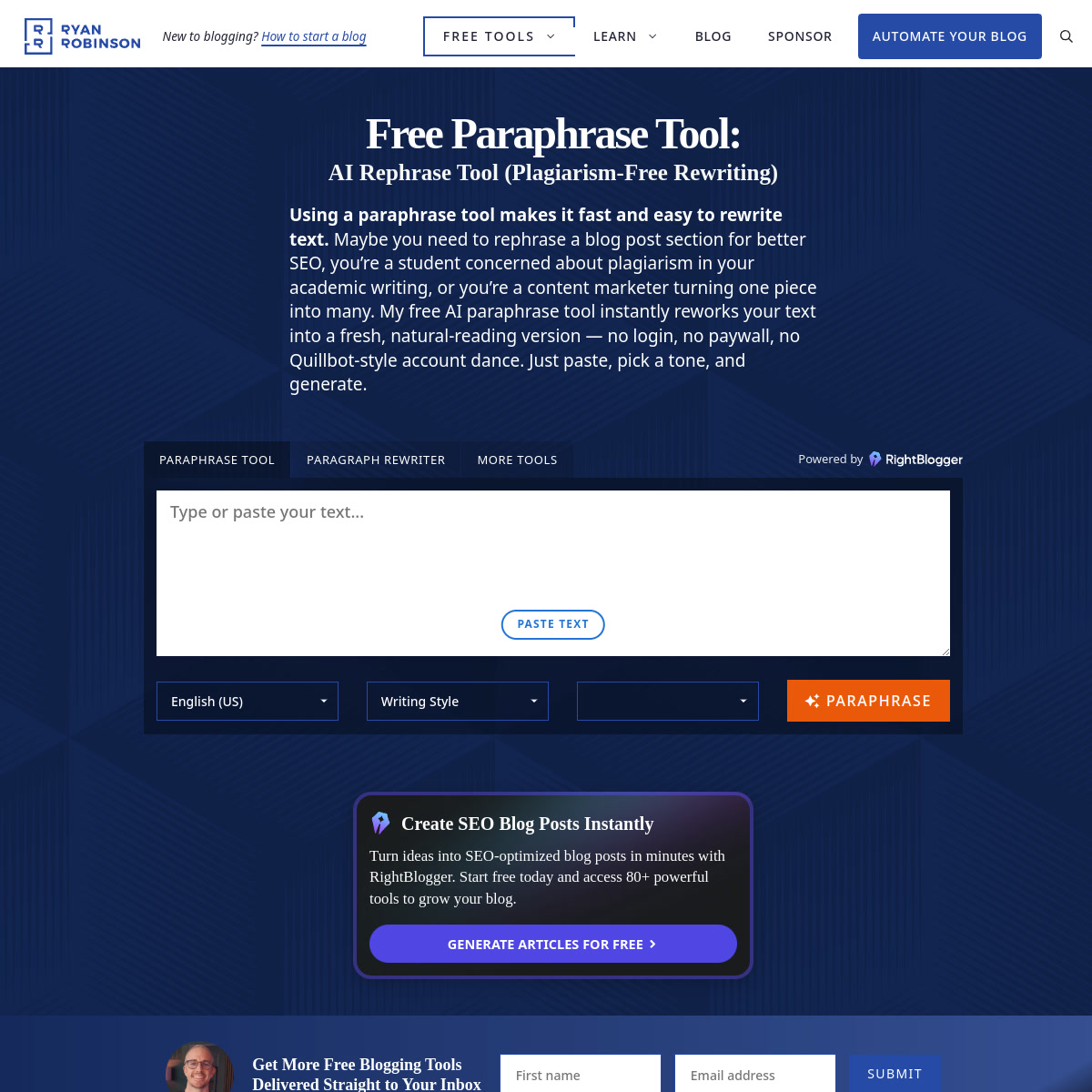
Ryrob Paraphrase Tool is Ryan Robinson's browser-based AI paraphrasing tool, powered by RightBlogger, with a published 1,500-word input limit, 23 writing styles and 75 output languages. It is a practical starting point for bloggers and content marketers who want to recast an existing passage without buying a writing subscription. The public tool is advertised as free, but the page also contains usage-limit and email-unlock messages: do not mistake access to the form for guaranteed unlimited anonymous generation.
Choose it for occasional rewriting of your own drafts, not a documented bulk-processing workflow. Readers who need guaranteed throughput, confidential-document assurances or detector-proof academic submissions should look elsewhere.
Ryrob Paraphrase Tool: Key Specs at a Glance
| Feature | Verified detail |
|---|
| Creator | Ryan Robinson; powered by RightBlogger |
| Primary use case | Rewording existing blog posts, paragraphs and marketing copy |
| Access | Web browser, paste-in text |
| Published input limit | 1,500 words per passage |
| Writing styles | 23, including Formal, Academic, Casual and Professional |
| Output languages | 75 advertised, including English, Spanish, Ukrainian and Arabic |
| Free pricing | $0 for the public tool |
| Usage quotas | Page includes an hourly-limit notice and an email-unlock offer of 10 uses per tool per day; the effective anonymous quota is unclear |
| Signup | Page advertises no login but also exposes email-unlock forms; end-to-end anonymous use not tested |
| Paid upgrade | Links to the separate RightBlogger suite; no paid Ryrob tool plan verified here |
| Document import | Guide instructs pasting text; Word and Google Docs imports are not supported by that workflow |
| Watermark | No clear public guarantee verified |
| Extension and mobile app | No tool-specific extension or native app verified |
| API and batch access | No public API or batch guarantee verified for this tool |
| AI-detector bypass | No reliable guarantee; the official guide cautions against relying on it |
| Plagiarism protection | Rewriting does not remove the need to cite another author's ideas |
What Ryrob Does Well
A useful passage size for editorial work
The documented 1,500-word ceiling accommodates a substantial blog section rather than just a sentence. A 3,000-word article would require at least two passages at that ceiling, before any revisions or quota interruptions. Splitting at section boundaries is safer than cutting mid-argument, since the next request will not necessarily preserve earlier context.
Specific style choices instead of a generic rewrite button
The 23 styles include reading-level options as well as tones. Academic or Formal can suit a structured explanation, while Casual or Conversational is a better starting point for a newsletter. Treat these as editorial directions, not tested quality rankings: this review verified the published controls, not generated-output accuracy.
Language choice can double as a localization draft
The official guide describes 75 output languages and says the output language need not match the input. That makes the workflow relevant to a bilingual creator adapting an existing article. It does not establish equal fluency in all languages; have a fluent reviewer check idioms, names and cultural references before publication.
Known Limitations
- Unclear effective free quota: unlimited-use wording coexists with hourly-limit and email-unlock messages on the official page.
- Meaning still needs checking: any generated rewrite can alter a qualification, factual relationship or technical term. No independent output benchmark was performed in this review.
- No detector guarantee: rewritten AI text can still be flagged by Turnitin or GPTZero; the creator's own guide cautions against betting on evasion.
- Manual document workflow: pasting sections is not equivalent to preserving citations, tables or formatting in an uploaded research paper.
- Not verified for automation: a public text box does not establish API availability, a service-level agreement or dependable bulk throughput.
Best For: Who Should Use Ryrob
- Bloggers refreshing wording in their own older articles.
- Marketers adapting one paragraph to a different audience or tone.
- Non-native English writers comparing alternative phrasings before manual editing.
- Multilingual creators preparing a first localization draft for human review.
Who Should Look Elsewhere
- Teams requiring a documented API and predictable large-scale quotas.
- Researchers needing end-to-end document import and citation-format preservation.
- Anyone seeking a guarantee that AI detection or plagiarism checks will be defeated.
Writing Styles: Match the Setting to the Job
Formal and Academic
Use these when your draft needs a more structured register. Preserve subject-specific terms and citations manually, and compare every numerical claim with the original. Selecting Academic does not verify the research or make an uncited idea original.
Casual and Conversational
These are reasonable starting points for reader-friendly blog intros and newsletters. Check that a relaxed register has not weakened an important limitation or changed the brand voice. Revise locally rather than repeatedly regenerating an entire article.
Simplified and reading-level options
The guide also lists Middle School and High School alongside Simplified. Try these for explanations aimed at a less specialized audience, but retain essential vocabulary where precision matters. Easier wording is useful only if the original meaning survives.
Pricing and Cost at Scale
The public Ryrob tool is free ($0). Its guide publishes a 1,500-word input ceiling. However, the same page includes an hourly-limit notice and an email-unlock offer mentioning 10 free uses of each tool per day, so the precise anonymous allowance is not consistently documented.
At the advertised maximum, a 6,000-word draft needs at least four input passages, not four guaranteed successful requests. Additional rewrites consume further capacity. The cash cost of the free tool is zero, but review time and quota interruptions make it a poor substitute for a committed production workflow.
The page promotes RightBlogger as a separate premium suite; do not treat that suite's additional controls as features included in this free form. No current paid suite price is asserted here. Prices and limits can change; check the official tool page before use.
Getting Started
- Open the official tool page and copy a short section of your own draft into the text box.
- Keep the passage within the published 1,500-word ceiling; split longer documents at logical section breaks.
- Select the intended output language, then a writing style that matches the reader and purpose.
- Request a paraphrase. If a quota or email-unlock prompt appears, review that requirement rather than assuming the no-login claim guarantees continued anonymous access.
- Compare the result sentence by sentence with the source, checking citations, names, quantities and the strength of each claim before publishing.
Pro tip: keep a copy of the original beside the rewrite. For technical passages, check key terms first; a fluent sentence can still express a different claim.
What Users Are Saying
Tool-specific community discussions: not found. Targeted Reddit and Product Hunt searches did not surface a relevant discussion about this exact Ryrob paraphraser; a broader G2/Capterra/Product Hunt search returned other products and a different Ryrob tool. Those pages are not evidence of user sentiment for this tool.
No consensus, user praise or complaint is inferred from the creator's marketing. The official tutorial is available for feature and access details, not independent review. Have you used this specific tool? Share your experience with limits and meaning preservation.
FAQ
Is Ryrob Paraphrase Tool free?
Yes, the public tool is advertised as free. Its effective usage quota is unclear because the page also contains hourly-limit and email-unlock messages.
Does it require signup?
Not consistently documented. The page advertises no login but also contains email-unlock forms; anonymous generation was not tested end to end.
What is the free input limit?
Up to 1,500 words per passage, according to the official tutorial. This is an input ceiling, not a guarantee of unlimited daily requests.
Does it bypass Turnitin or GPTZero?
No reliable guarantee exists. The official guide warns that paraphrasing may not remove detection, particularly on longer passages.
How many languages does it support?
75 output languages are advertised, including English, Spanish, French, German, Arabic and Ukrainian. Quality parity across languages was not tested.
Is it suitable for academic writing?
Only with careful review. Academic style may help with register, but it does not validate facts, preserve every citation or authorize use contrary to your institution's rules.
Sources