What Is Trinka AI?
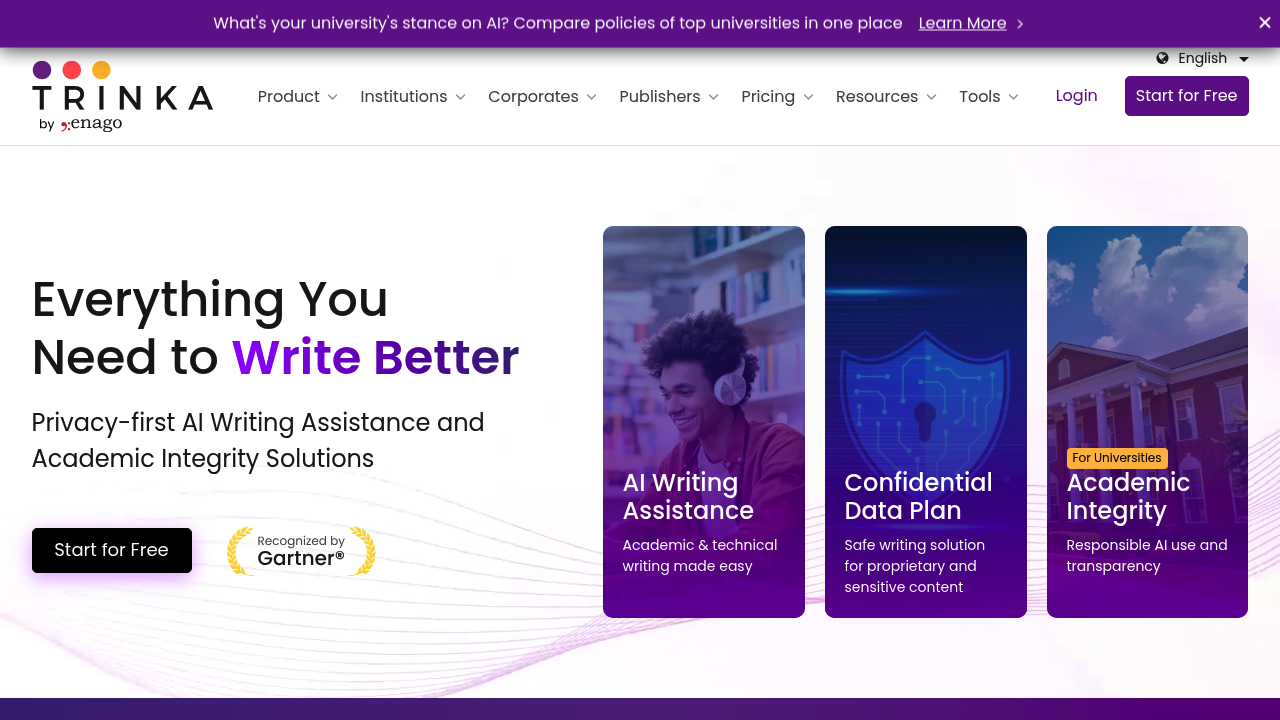
Trinka AI is an advanced grammar correction and language enhancement platform built specifically for academic and technical writing. Unlike general-purpose tools, Trinka understands the conventions of scholarly language — from subject-verb agreement in passive constructions to discipline-specific terminology. It combines grammar checking, paraphrasing, AI detection, and plagiarism scoring in one integrated suite. Trinka offers a Freemium model starting at $0/month (Basic plan with 5,000 words/month) and $6.67/month (billed yearly) for Premium access with unlimited grammar and paraphrasing. The platform is trusted by researchers, students, and faculty at universities worldwide.
Getting Started
Trinka is accessible via its web app, a Chrome browser extension, a Windows desktop app (for MS Word and Outlook), and an API for enterprise integrations. Signing up is free and takes under a minute. After creating an account, users can paste text directly into the editor or upload documents (DOCX, LaTeX, etc.) for proofreading. The interface is clean and distraction-free, with suggestions appearing inline alongside the document.
Core Features
- AI Paraphraser — Rewrites sentences and paragraphs to improve clarity, vary tone, and avoid repetitive phrasing. Particularly tuned for academic context, ensuring the output meets journal-style standards rather than casual blog-style rewrites.
- Grammar Checker (30+ languages) — Detects nuanced grammar issues specific to scientific writing: incorrect tense usage, unclear pronoun references, subject-verb disagreement in complex clauses, and more.
- Proofread Files & Reports — Accepts full document uploads and generates a tracked-changes review with category-wise error breakdowns (grammar, style, clarity, technical usage).
- AI & Plagiarism Detection — Identifies AI-generated content (GPT-3, GPT-4, Claude, Gemini) and checks for plagiarism using standard similarity scoring.
- File Translation — Available on Premium Plus: translates documents from 30+ languages into English or Spanish while preserving academic tone.
- Citation Formatting — Formats in-text and bibliographic citations according to major academic styles (APA, MLA, Chicago, etc.).
- Academizer — Converts informal or conversational sentences into formal academic language — useful for non-native English speakers.
How It Works — Step by Step
Using Trinka's paraphraser is straightforward. First, log in to the Trinka web app or open the browser extension. Second, paste your text or upload your document. Third, highlight the section you want paraphrased and click the "Paraphrase" suggestion. Fourth, review the rewritten alternative — Trinka often offers multiple rephrasings at different levels of change. Fifth, accept the one that best fits your context and copy it back into your document. The desktop MS Word add-in makes this process even faster: you get live paraphrasing suggestions inline as you write.
Best Practices & Tips
Trinka works best on research papers, journal articles, theses, and grant proposals — content with technical vocabulary and complex sentence structures. For optimal results, use the "Proofread File" feature for full-document reviews rather than pasting sections piecemeal. When paraphrasing, review suggestions critically: Trinka aims for academic correctness, which sometimes produces conservative outputs. Use the Chrome extension in Overleaf for seamless LaTeX writing support. Avoid relying solely on Trinka for style decisions — it is primarily a correctness-first tool.
Pros and Cons
Pros: Excellent academic writing focus, strong grammar detection for technical content, multi-language support, integrates with Word and Overleaf, comprehensive free tier. Cons: Some users report occasional over-flagging of common academic phrases as errors. The Academizer has a sentence length limit in free tier. Advanced features like AI detection and extensive paraphrasing are locked behind paid plans. Not ideal for casual or creative writing.
What Users Are Saying
On Reddit's r/research and r/OffbeatScholarReview, Trinka is recognized as one of the top free tools for academic grammar correction — frequently mentioned alongside Grammarly and Writefull in journal-submission prep threads. Users appreciate its free plan's depth. Some criticism notes that generalized grammar tools occasionally outperform it in basic error detection. Community thread: Trinka vs Paperpal vs Writefull comparison.
Summary
Trinka AI is the go-to NLP-powered writing assistant for researchers, PhD students, and academic authors who need more than spellcheck. Its combination of grammar correction, paraphrasing, AI content detection, and plagiarism checking in a single academic-focused platform sets it apart. The Freemium model makes it accessible for individuals, while enterprise tiers with SOC2, HIPAA, and GDPR compliance serve institutional needs. If you write for journals, conferences, or graduate programs, Trinka is worth having in your toolkit.